We’ve all been there. You’re teaching a brilliant point, looking directly at your student’s eyes on the screen, feeling a deep connection… but to the student, it looks like you’re staring at their chin.
In the physical classroom, eye contact is natural. Online? It’s a performance. If you want to build real rapport through a webcam, you have to master Camera Presence 101.
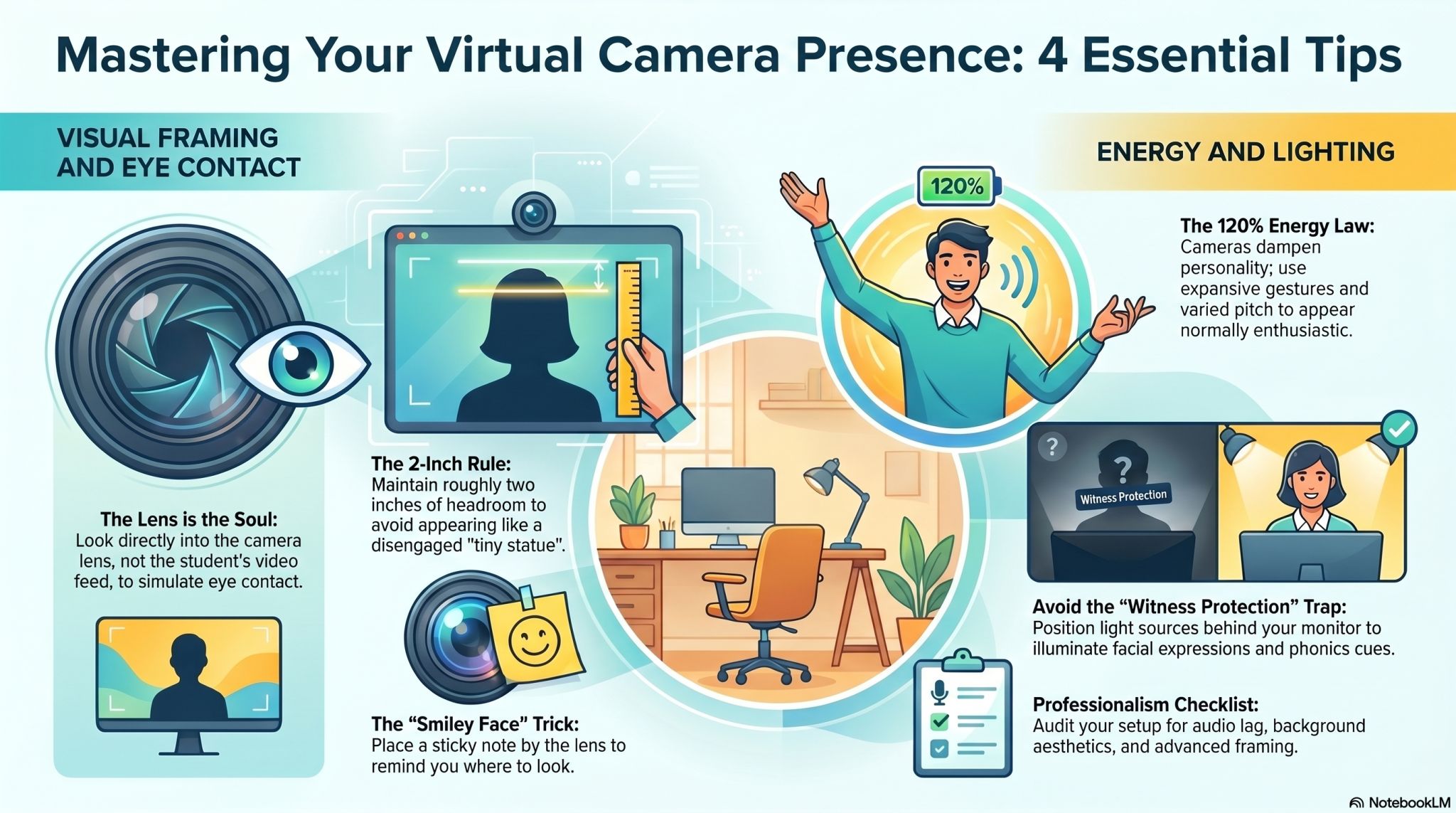
1. The Lens is the Soul
The most common mistake online teachers make is looking at the student’s video feed. When you do this, your eyes are angled downward.
– The Fix: Train yourself to look directly into the black circle of the camera lens when you are speaking. This is where your student “lives.”
Pro-Tip: Stick a small “smiley face” post-it note right next to your camera lens. It reminds you where to look and keeps your expression warm.
2. The ‘2-Inch Rule’ for Framing
If you are too close, you’re a “talking head” (intimidating). Too far, and you’re a “tiny statue” (disengaged).
– The Sweet Spot: Position yourself so there are roughly two inches (or 5cm) of “headroom” between the top of your head and the top of the video frame.
Why? This mimics a natural standing distance in a real room, making you appear more professional and less like a floating head.
3. The 120% Energy Law
Cameras act like an “energy filter.” They tend to flatten your personality and dampen your vocal variety.
– The Fix: To appear “normally” enthusiastic on screen, you actually need to bring about 120% of your usual energy. Use more expansive hand gestures (within the frame!) and vary your pitch more than you would in person.
4. Lighting: The ‘Witness Protection’ Trap
If your primary light source is behind you (like a window), you become a dark silhouette.
– The Fix: Always have your light source behind your monitor, hitting your face directly. This illuminates your expressions, which are vital for students trying to pick up on phonics and facial cues.